
By Iona Merrivale. Published by paylinesocialparade Mobile Reading Review.
A phone can fit a whole game into your hand while leaving very little room for its explanations. Before the next tap, notice whether you can read the balance, recognise the selected setting and find a way back from help. Mobile casino controls deserve this quiet check, especially when a browser bar or a notification changes the space around them.
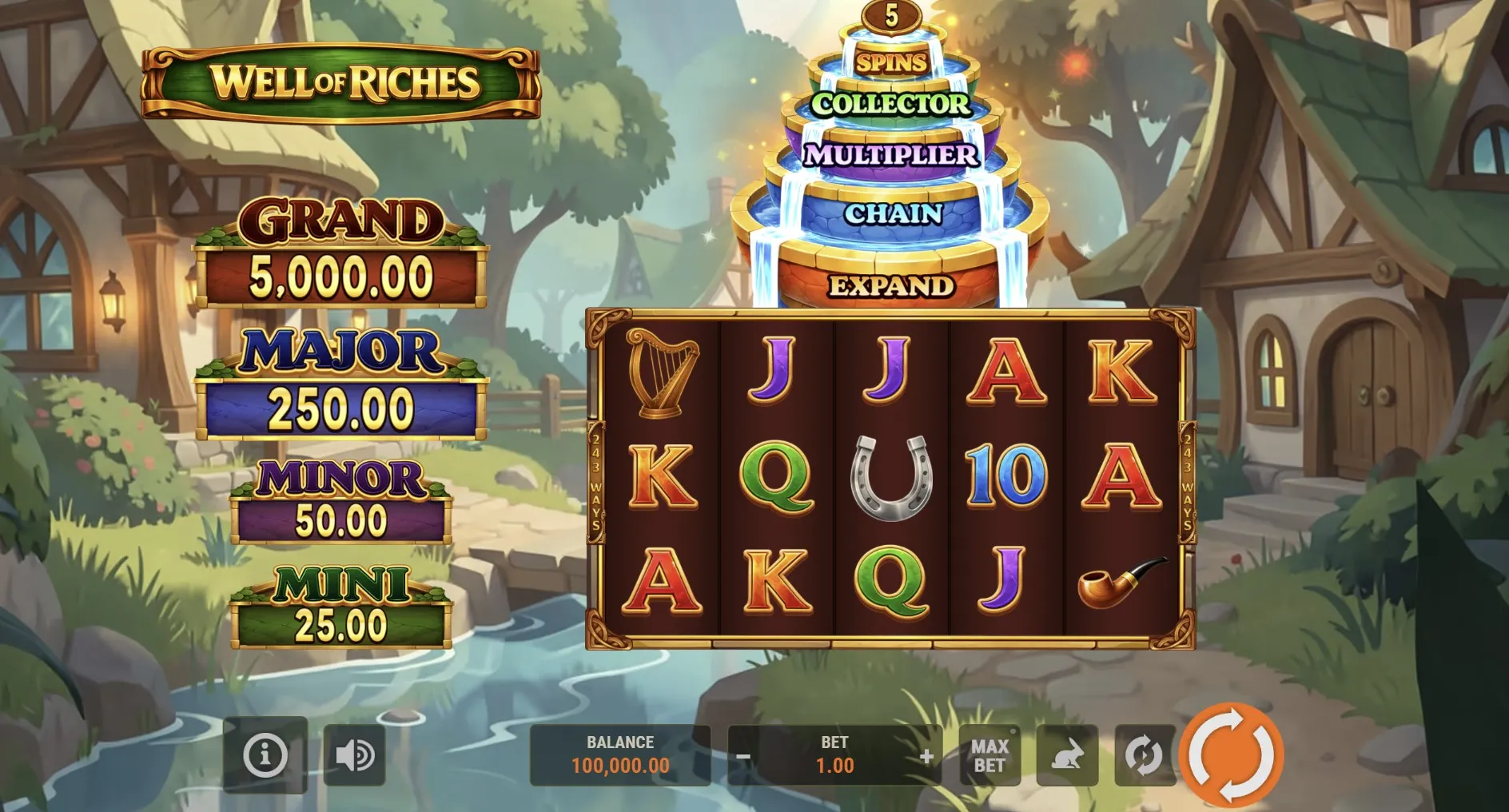
Give the labels enough room
The page around an embedded game and the game itself can respond differently to a small display. Enlarging browser text may help an article but leave a game label unchanged. Try the available orientation while no action is underway, then check the full frame. A larger picture is only useful if the important controls still fit within reach.
Look for clipped words, overlapping buttons and help panels that extend beyond the visible area. If the browser offers a full-screen option, first learn how to leave it. Do not assume that hiding the address bar creates a better layout. You still need to recognise the page you are using and find the controls that return you to familiar navigation.
Before starting a round
- Settle the phone in a comfortable position and read the current labels.
- Locate help and its close control before trying an unfamiliar feature.
- Confirm the selected setting after any change of orientation.
A familiar symbol may need an explanation
A triangle, a circular arrow or a gear can suggest an action without describing its full effect. Read any label or help entry that accompanies it. Mobile casino controls are easier to use when you understand whether a button changes a setting, opens information or starts play. Avoid testing an uncertain button repeatedly just because the first tap seemed quiet.
| What you notice | What to check |
|---|---|
| A label is cut off | Orientation and the full game frame |
| A panel hides controls | Its close or back button |
| A tap seems delayed | Whether the first action is still pending |
Sound can help identify a change, but a game should also be understandable when you choose to mute it. Read the settled display instead of relying on a celebratory noise. The virtual credit balance article explains why a return and a change in the total are separate ideas. Better visibility supports that reading; it is not a way to influence results.
Pause after an interruption
A call, a locked screen or a switch to another tab can interrupt your view without telling you what happened inside the game. On return, let the page settle before pressing anything. Check the balance and any message already present. If the state is unclear, consult the game’s own help rather than assuming the last action failed and immediately repeating it.
- Keep the same tab open while you read an unresolved message.
- Check whether a result or loading indicator is still on screen.
- Avoid clearing browser data just to dismiss an unfamiliar display.
Saved progress depends on how a particular service works. This article does not promise that a balance follows you between browsers or devices. Before changing either, look for an explanation of saving and access. A private browsing window may behave differently from your usual session, so a fresh-looking screen is not enough to prove that progress has disappeared.
In September 2026, checking the current screen remains more useful than copying an old sequence of taps. Browser layouts and game interfaces can differ. If a friend is helping, ask them to describe the label they mean before touching your phone. Our notes on sharing games without a scoreboard explain how to keep that help comfortable and unhurried.
Author’s opinion
I think good mobile casino controls let me pause, read and decide without a rush. When a phone makes those steps awkward, I would rather change the viewing setup or leave the game for another time. A convenient device is only convenient when the experience fits it, and finishing a session is always an available choice.